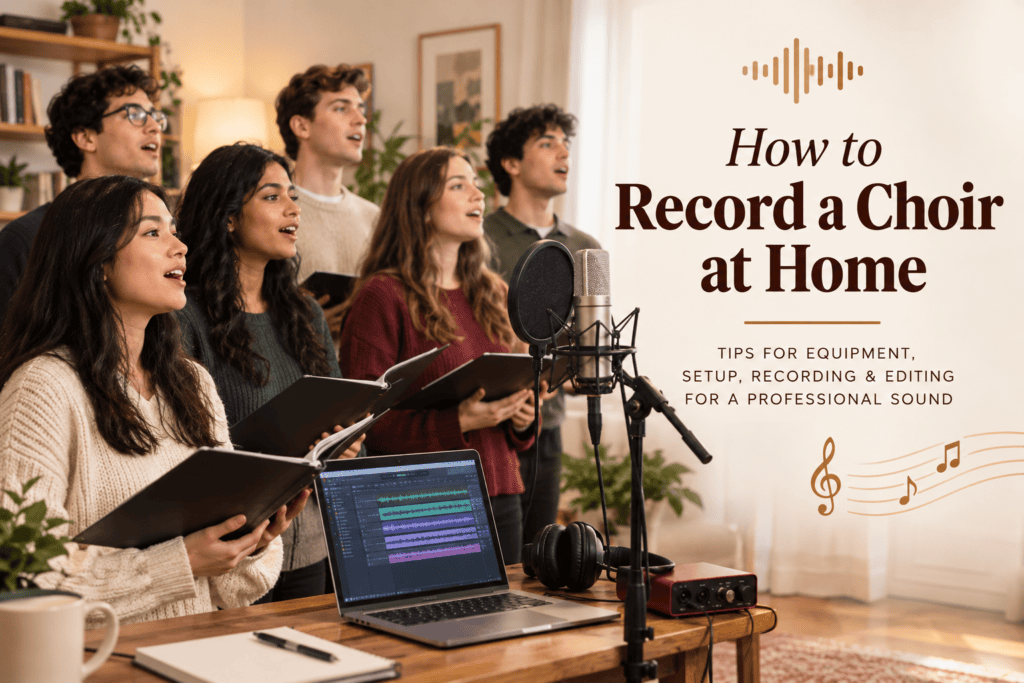
How to Record a Professional Choir Performance at Home
Introduction
To record a choir at home successfully, start by preparing your recording space, selecting suitable equipment, and ensuring every singer understands their part. These simple steps help you capture clear vocals and balanced harmonies.
Learning how to record a professional choir performance at home involves more than placing a microphone in front of a group of singers. You need to consider room acoustics, microphone placement, background noise, vocal balance, recording software, and the way singers perform together.
Whether you are recording a church choir, school ensemble, community group, or virtual choir project, this guide explains how to prepare your space, capture high-quality audio, and produce a recording that sounds clear, natural, and professional.
Essential Equipment to Record a Choir at Home
When you record a choir at home, room acoustics can make a significant difference to the final sound. Choose a quiet space, reduce excessive echo, and position singers so their voices blend naturally.
1. Choose the Right Microphone
A microphone is one of the most important parts of your recording setup. It captures the singers’ voices, the blend between sections, and the natural sound of the performance.
Common microphone options include:
Condenser microphones: Often used for detailed vocal recordings in quiet rooms. They can capture subtle vocal nuances but may also pick up unwanted background noise.
Small-diaphragm condenser microphones: Useful for capturing a natural ensemble sound, depending on the model and placement.
Dynamic microphones: Generally less sensitive to distant sounds and can be useful in less controlled environments, although results depend on the microphone and recording setup.
For a choir singing together in one room, a suitable stereo pair of microphones may produce a more natural ensemble recording than placing one microphone directly in front of every singer.
Choose equipment according to your room, budget, and the sound you want to achieve.
2. Use an Audio Interface When Needed
An audio interface connects compatible microphones to a computer and converts the audio signal into a digital recording. It is particularly useful when working with professional XLR microphones.
Look for an interface with enough microphone inputs for your recording method. If you plan to record several vocal sections separately, you may need additional inputs or a multitrack recording setup.
Some USB microphones connect directly to a computer, allowing you to start with a simpler setup.
3. Select Recording Software
Digital audio workstations, commonly called DAWs, allow you to record, edit, balance, and process audio.
Popular options include Audacity, GarageBand, and Reaper. Each offers different features, so choose software that matches your experience and recording requirements.
Before the actual session, test your microphone input, check the recording settings, and make sure you can save and play back your audio files correctly.
4. Use Headphones and Stands
Closed-back headphones are useful when singers need to hear a backing track without allowing it to spill into the microphone.
Microphone stands help maintain consistent placement throughout the performance. Pop filters may also help control plosive sounds when recording individual vocal parts at close range.
Avoid relying on laptop microphones or placing microphones on unstable surfaces if you want a clean, consistent result.
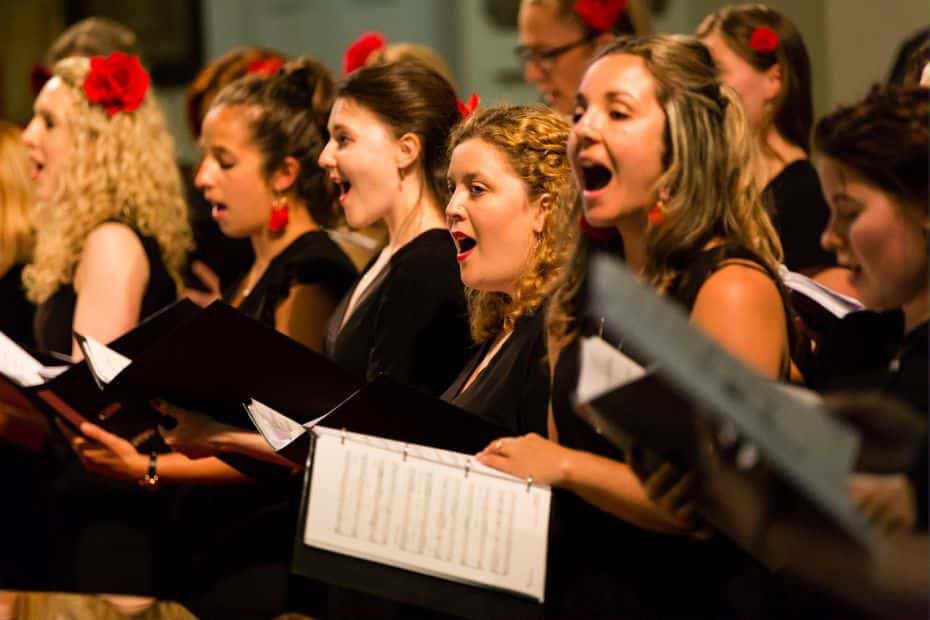
How to Prepare Your Room to Record a Choir at Home
The best way to record a choir at home is to test your microphone placement and recording levels before beginning the full performance. Make a short test recording, listen for unwanted noise, and adjust the setup before recording multiple takes.
1. Choose a Quiet Room
Select a room away from traffic, construction, loud appliances, and other sources of noise. Turn off fans, televisions, and unnecessary electronic devices when possible.
Record a short test before the singers arrive and listen carefully for humming, buzzing, or distant sounds.
Remember that a room that sounds quiet to your ears may still contain noise that becomes noticeable in a recording.
2. Reduce Unwanted Echo
Hard surfaces such as bare walls, tiled floors, and large windows can reflect sound, creating excessive reverberation.
To improve the room acoustics, consider using:
Thick curtains over large windows.
Rugs or carpets on hard floors.
Soft furnishings and bookshelves to help break up reflections.
Portable acoustic panels at important reflection points.
The goal is not necessarily to make the room completely silent or lifeless. A little natural ambience can make a choir sound spacious, but excessive reflections can blur the harmonies and reduce clarity.
3. Position the Choir Carefully
Arrange singers so that they can hear one another comfortably while maintaining a balanced sound towards the microphones.
Avoid crowding everyone into a tight formation. Allow enough space for singers to breathe comfortably and move naturally without bumping into microphone stands.
If one section is significantly louder than the others, adjust the arrangement or microphone position before increasing or reducing levels in the software.
4. Control Background Noise During Recording
Ask everyone to silence their phones and avoid unnecessary movement during takes. Close doors and windows, and make sure the recording computer is not producing distracting fan noise near the microphones.
Record a few seconds of room tone before or after the performance. This can help you identify background noise and may assist with editing later.

How to Position Microphones to Record a Choir at Home
Microphone placement affects the balance between vocal sections, the sense of space, and the amount of room sound captured. Small adjustments can make a substantial difference.
1. Position Microphones at an Appropriate Distance
For a choir recording together, microphones usually need enough distance to capture the combined sound rather than isolating only the closest singers.
Start with a stereo pair positioned in front of the group and adjust the distance and height while listening to test recordings. A position that captures the full ensemble evenly is often more useful than one that makes individual voices sound extremely close.
The best placement depends on the microphone type, the number of singers, the room, and the arrangement.
2. Experiment With Microphone Height
Microphones placed too low may capture excessive sound from the front row while missing singers behind them. Raising the microphones can sometimes improve the balance across the ensemble.
Test different heights and angles, ensuring the microphones capture the singers clearly without obstructing their view of the conductor.
3. Consider Stereo Recording
A stereo recording can create a natural sense of width and space. Two appropriately matched microphones can help capture the spread of the choir from left to right.
However, stereo techniques require careful placement. Incorrect spacing or incompatible microphone angles can create phase problems when the recording is combined into mono.
Always listen to your test recordings in both stereo and mono when practical.
4. Record Vocal Sections Separately When Necessary
If the room is small or the choir cannot gather in one space, recording sections individually can offer more control.
Record the soprano, alto, tenor, and bass parts separately, using the same microphone position and room setup wherever possible. This can make balancing the sections easier during editing.
However, separately recorded sections may sound less natural if singers cannot hear the other parts or if the room sound changes between takes. Use a reference track and consistent recording conditions to maintain musical accuracy.
Recording Techniques for Clear and Balanced Choir Vocals
If you want to record a choir at home with singers in different locations, provide everyone with the same guide track and clear recording instructions. Consistent audio settings and careful synchronisation will make editing the virtual choir much easier.
1. Set Recording Levels Correctly
Before recording the full song, ask the choir to sing the loudest section while you check the input levels.
Avoid allowing the signal to reach 0 dBFS, where digital clipping can occur. For many 24-bit recording setups, peaks around -12 to -6 dBFS provide a practical starting point, although the exact target depends on the session.
Do not try to make the recording as loud as possible during capture. It is better to record clean audio with sufficient headroom and adjust loudness later.
2. Conduct a Full Sound Check
Record a short section containing both quiet and powerful passages. Listen for distortion, unbalanced vocal sections, excessive room echo, and unwanted background noise.
Make adjustments before recording the entire piece.
3. Keep Singers Comfortable
A relaxed choir generally produces a more consistent performance. Ensure singers have enough space, comfortable posture, and access to water.
Encourage natural breathing and avoid asking singers to force their voices to sound louder than necessary.
4. Record Multiple Takes
Even experienced choirs benefit from recording several takes. One performance may have stronger harmonies, while another may have clearer diction or a more expressive ending.
Record complete takes where possible, then capture additional takes of difficult passages. Keep a simple record of the strongest sections to make editing easier.
5. Use a Consistent Reference Track
For separately recorded vocal sections or virtual choir projects, a reference track helps singers maintain the correct tempo, pitch, and entrances.
Use headphones to prevent the reference audio from being picked up by the microphone. Make sure every singer receives the same version of the track and understands when to begin and finish.
How to Record a Virtual Choir Performance at Home
Virtual choir projects allow singers to record their parts individually and combine them into a single performance. This method is useful when members live in different locations or cannot rehearse together in person.
1. Share a Clear Guide Track
Provide singers with a reference recording that includes the correct tempo, starting pitch, and vocal entrances. If possible, include a guide for their specific vocal part.
Explain how many measures of silence to leave before singing and whether the final recording should include a few seconds of silence after the song.
2. Standardise Recording Instructions
Give every singer the same basic instructions for microphone distance, recording format, room setup, and headphone use.
For example, ask singers to record in a quiet room, use the same sample rate and bit depth, and avoid adding reverb or other effects to their individual files.
Consistency makes the editing and mixing process easier.
3. Record Audio and Video Separately When Possible
If you plan to create a virtual choir video, ask singers to record clean audio and video according to a shared guide.
For video, standardise camera orientation, framing, lighting, and background requirements. For audio, prioritise quiet recording conditions and consistent levels.
The audio and video can then be synchronised during editing. A visible cue, clap, or clear starting signal can help align the recordings.
4. Collect and Organise the Files
Use clear file names that identify each singer or vocal section. Keep original files untouched and organise copies into folders for soprano, alto, tenor, bass, and video where appropriate.
Before mixing, check that every file is complete and that singers have followed the recording instructions.
Editing and Mixing Your Choir Recording at Home
Editing can improve the clarity and balance of a recording, but it cannot completely fix poor microphone placement, severe clipping, or an unsuitable room.
1. Remove Unwanted Noise Carefully
Listen for clicks, handling noise, distracting breaths, and long sections of background noise. Edit unnecessary sounds without cutting off natural breaths or the ends of musical phrases.
Noise reduction tools can help with steady background noise, but excessive processing may make voices sound artificial.
2. Balance the Vocal Sections
Adjust the relative levels of the vocal sections so that the harmony sounds balanced. Avoid making every section equally loud if the arrangement requires one part to lead.
Listen to the full mix at a moderate volume and check that inner harmonies remain audible without overpowering the melody.
3. Apply Equalisation Gently
Equalisation, or EQ, changes the balance of frequencies in a recording. It can help address muddiness or harshness, but excessive adjustments may remove the natural warmth of the choir.
Make small changes while listening to the complete mix rather than processing every vocal part in isolation.
4. Use Compression With Care
Compression reduces differences between louder and quieter parts of an audio signal. Gentle compression can help control dynamics, but too much may make a choir sound flat or reduce its natural expression.
Begin with minimal processing and compare the result with the unprocessed recording.
5. Add Reverb Only When Needed
Reverb can create a sense of space, especially when recording in a dry room. However, excessive reverb can blur diction and make harmonies less distinct.
Use a subtle setting that supports the performance rather than drawing attention to the effect.
6. Check the Final Mix on Different Devices
Listen to the completed recording through headphones, computer speakers, and a phone if possible. Check whether the lyrics remain clear, the bass section is audible, and the upper voices are not too sharp or overpowering.
If you are creating a video for online sharing, check the synchronisation between the audio and the singers’ movements before publishing.

Common Mistakes to Avoid When Recording a Choir at Home
Avoiding a few common mistakes can improve your results significantly.
Recording in a noisy room: Background sounds may become difficult to remove without affecting the voices.
Placing the microphone too close to one section: This can create an unbalanced recording in which some singers dominate.
Setting levels too high: Digital clipping can permanently distort the recorded signal.
Ignoring room acoustics: Excessive echo can make the choir sound distant and unclear.
Using too many audio effects: Heavy processing can reduce the natural character of the voices.
Recording without a sound check: Small technical problems may affect an entire performance if they are not identified early.
Using inconsistent guide tracks: Virtual choir singers may drift out of time if they follow different versions of the reference recording.
Skipping the final quality check: Audio glitches, missing sections, and video synchronisation issues can go unnoticed without a full playback.
A Simple Checklist for a Professional Choir Recording at Home
Before starting your next session, use this checklist to ensure that the important details are covered.
Choose a quiet room and reduce unwanted echo.
Check the microphone, cables, interface, and recording software.
Position the choir and microphones for balanced sound.
Test recording levels and avoid digital clipping.
Complete a sound check with both quiet and loud passages.
Make sure singers know the arrangement and reference tempo.
Record multiple takes of the performance.
Save and back up the original audio files.
Edit carefully and balance the vocal sections.
Listen to the final recording on different devices.
Check audio-video synchronisation if producing a virtual choir video
How The Mystic Keys Can Help You Develop Your Choir Skills
A professional-sounding choir recording begins with strong musical foundations. Pitch accuracy, vocal control, rhythm, listening skills, and harmony all contribute to a successful performance.
At The Mystic Keys, students can develop their musical abilities through personalised lessons with internationally certified teachers. Whether you want to improve your singing, understand vocal harmony, or strengthen your instrumental skills for accompaniment, structured music training can help you build confidence and prepare for performances.
With regular practice and the right guidance, singers can develop the skills needed to create more accurate, expressive, and cohesive recordings.
The Mystic Keys supports musical growth through personalised online training, including Worship Piano & Singing Lessons Online, helping learners develop their skills, confidence, and musical expression.
Conclusion
Learning how to record a professional choir performance at home becomes much easier when you focus on preparation, sound quality, and consistency. You do not need an expensive studio to produce a clear and engaging recording. A quiet room, suitable microphones, careful placement, correct recording levels, and thoughtful editing can make a significant difference.
Start by testing your space and equipment, practise with your choir, and record several takes before choosing the best performance. For virtual choirs, provide clear recording instructions and use consistent guide tracks to keep everyone in time.
Most importantly, remember that technology supports the music, but it cannot replace good singing and careful rehearsal. When singers work together and the recording setup captures their voices naturally, a home recording can become a memorable performance.
For more information and exciting resources about learning music, visit our website at The Mystic Keys. For more music content and exciting offers follow us on
Facebook, Instagram, YouTube, LinkedIn, Twitter, Pinterest, and Threads,