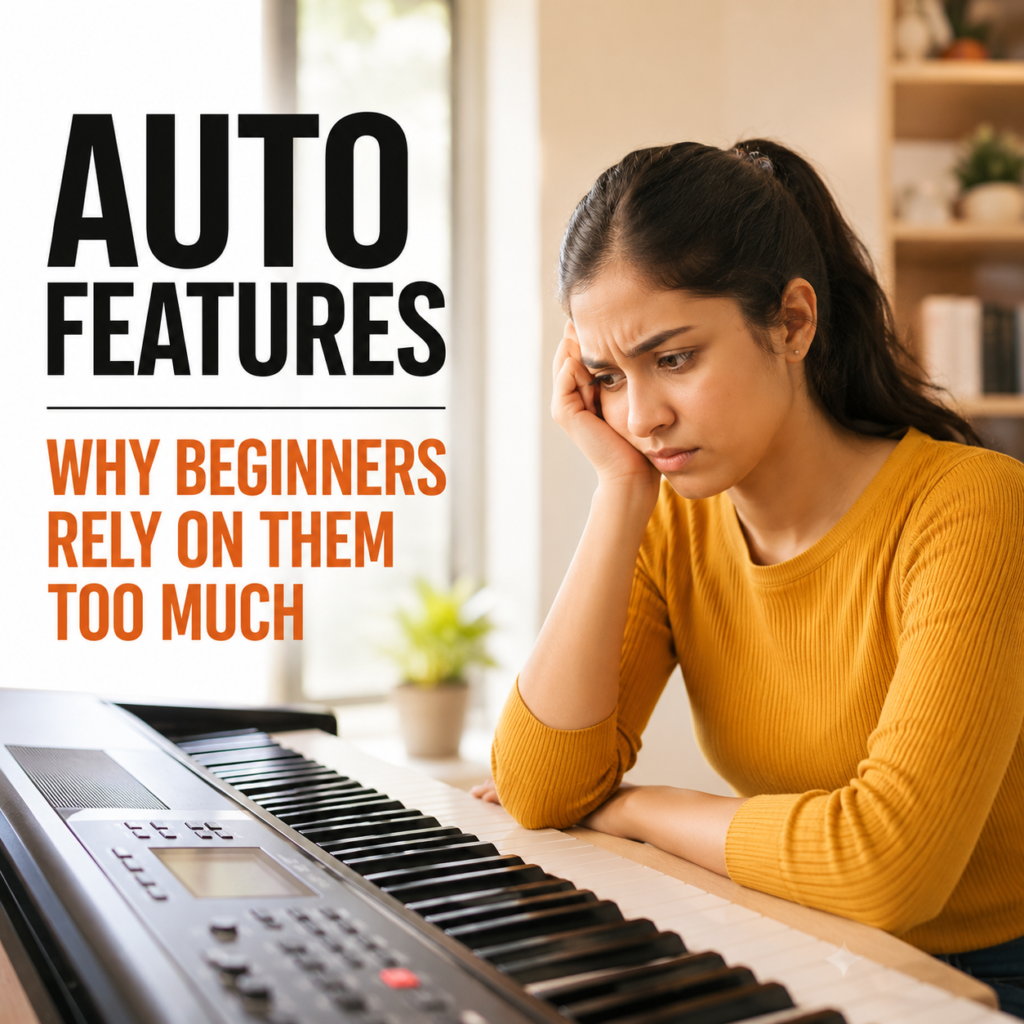
Auto Feature | Why Beginners Rely on Them Too Much
Modern digital instruments have transformed the way people learn and experience music. With the touch of a button, beginners can access rhythm patterns, automatic accompaniment, chord recognition, harmonies, effects, and a wide variety of sounds. Auto feature make an instrument feel exciting from the very first lesson.
For someone who is just starting, that instant result can be incredibly motivating. A simple chord progression can suddenly sound like a complete song, while a basic melody can feel much more impressive with a full backing arrangement. However, there is an important distinction between using technology to support learning and depending on technology to do the learning for you.
That distinction matters more than many beginners realize.
What Are Auto Feature?
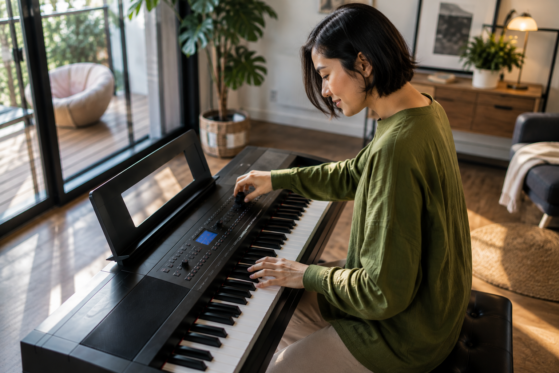
Auto features are functions built into many modern digital keyboards, electronic pianos, and other instruments. They are designed to make playing easier, faster, and more interactive. Depending on the instrument, these functions may include automatic accompaniment, rhythm patterns, chord recognition, auto harmonization, arpeggiators, one-touch settings, and preset arrangements.
For example, automatic accompaniment can generate drums, bass, and harmonic backing while the player performs a relatively simple chord progression. Instead of manually creating every part of an arrangement, the musician can trigger a complete musical pattern with a few inputs.
At first, this can feel almost magical. A beginner who has only learned a handful of chords can suddenly hear something that resembles a professional arrangement. As a result, the instrument becomes more enjoyable and the student may feel encouraged to keep practising.
The challenge begins when that convenience becomes a permanent substitute for developing musical skills
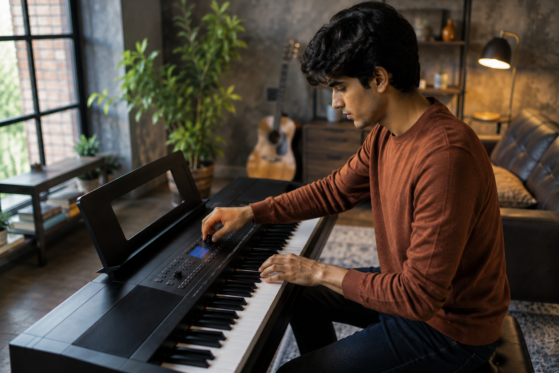
Why Beginners Become Dependent on Auto Feature
Learning an instrument requires patience. Progress can be slow, and beginners often spend considerable time repeating scales, practising chord changes, improving coordination, and working on rhythm. Naturally, anything that makes the process feel easier can be very attractive.
Auto features provide an immediate sense of achievement. Turn on a backing rhythm, select an accompaniment style, and even a simple progression can sound much fuller. For a new player, that experience can create excitement and confidence.
However, there is a hidden risk. When the instrument consistently produces the difficult parts, the player may not realize which skills still need attention. What sounds like progress can sometimes be more about the technology than the musician’s development.
Over time, this can create a habit of depending on automatic functions instead of gradually becoming comfortable without them.
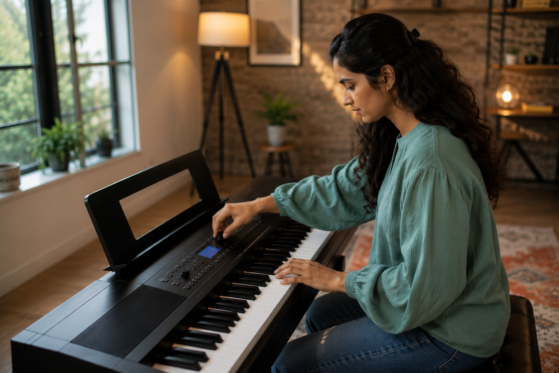
When Technology Becomes a Crutch
Technology itself is not the problem. In fact, digital features can be extremely useful when they are introduced at the right time and used with purpose.
The difficulty appears when a beginner feels unable to play without them. A student who always depends on automatic accompaniment may struggle to maintain a steady rhythm independently. Someone who uses automatic chord recognition for every song might never develop a strong understanding of chord shapes. Another player could become so comfortable with preset sounds that switching to a basic piano setting suddenly exposes weaknesses in technique.
This is why auto features should be viewed as musical tools rather than musical replacements.
A useful comparison is a calculator. It can save time and handle complicated calculations, but learning basic arithmetic is still important. In much the same way, an automatic feature can enhance a performance without replacing the fundamental skills required to create that performance.
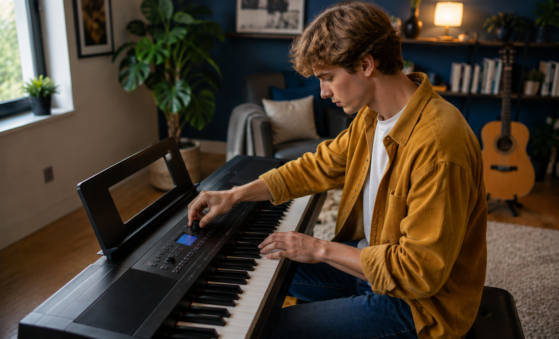
Auto Accompaniment Can Hide Weaknesses
Automatic accompaniment is one of the most appealing features on a digital keyboard. With a few chord changes, the instrument can generate drums, bass lines, rhythmic patterns, and supporting harmonies.
For beginners, the effect can be impressive. A basic exercise suddenly feels like a complete performance, which can make practice much more enjoyable. Yet the backing track may also cover problems that the player needs to hear.
Poor timing, uneven chord changes, hesitation, and inconsistent rhythm can easily become less noticeable when a sophisticated accompaniment pattern is playing underneath. Once that pattern disappears, those weaknesses may become obvious.
Therefore, practising without automatic accompaniment is important. Playing a piece slowly with a metronome can reveal whether the rhythm is actually steady. Removing the backing for a few minutes also gives the player an opportunity to listen more carefully to their own performance.
Once the fundamentals are stronger, automatic accompaniment becomes far more useful because it is enhancing the player’s ability rather than hiding its weaknesses.
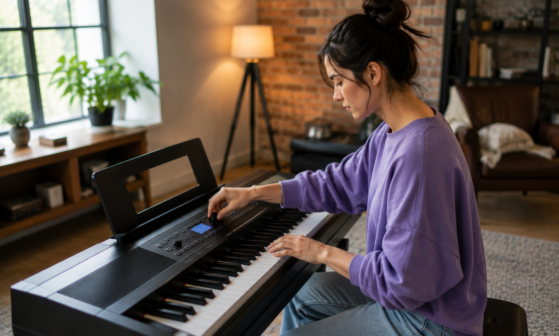
The Problem With Automatic Chord Recognition
Automatic chord recognition can be particularly helpful for beginners who are exploring songwriting and accompaniment. It allows players to trigger complex-sounding arrangements without having to play every note of a chord themselves.
There is a downside, however, when the feature becomes the only way a student plays chords.
Knowing which button produces a particular accompaniment is not the same as understanding the chord itself. A musician should gradually become familiar with chord names, shapes, individual notes, inversions, and the relationships between different chords.
That knowledge becomes extremely valuable outside the original instrument. For instance, a player may eventually want to accompany a singer, play with another musician, move to an acoustic piano, or arrange a song independently.
Without a basic understanding of harmony, those situations can become unnecessarily difficult.
Rhythm Should Come From the Player Too
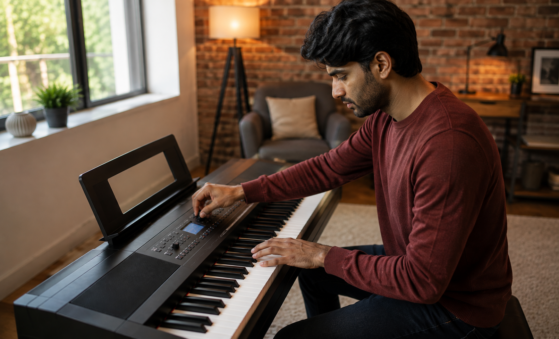
Rhythm features can make practice entertaining. A built-in drum pattern gives the player an immediate groove and can introduce them to different musical styles.
Nevertheless, always having the instrument provide the beat can prevent beginners from developing their own internal sense of timing. A player may appear perfectly synchronized with an automatic rhythm while struggling to maintain tempo independently.
Practising with a metronome offers a useful middle ground. It provides a steady reference without creating a complete musical arrangement around the player. Gradually, the musician learns to listen, anticipate the beat, and maintain consistent timing.
Eventually, the goal is to feel the pulse rather than simply follow the machine.
Presets Can Create the Illusion of Skill
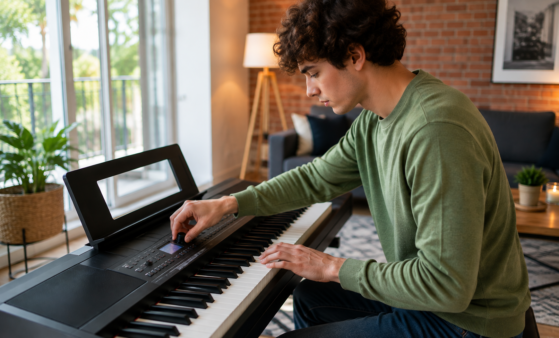
Modern keyboards often contain hundreds of sounds. Piano, strings, organs, guitars, synthesizers, orchestral textures, and electronic effects may all be available within seconds.
Exploring these sounds is part of the fun. It can also encourage creativity, especially when students are experimenting with different genres.
Still, impressive sounds can sometimes make basic playing appear more advanced than it really is. A dramatic synthesizer effect or layered orchestral preset may create a powerful impression even when the underlying performance lacks control and expression.
For that reason, beginners should spend time focusing on the fundamentals of musical expression. Dynamics, articulation, phrasing, timing, touch, and tone are skills that cannot be replaced by simply selecting another preset.
A simple piano sound played expressively can teach a musician far more than an elaborate preset that does most of the expressive work for them.
Auto Feature Can Reduce Problem-Solving
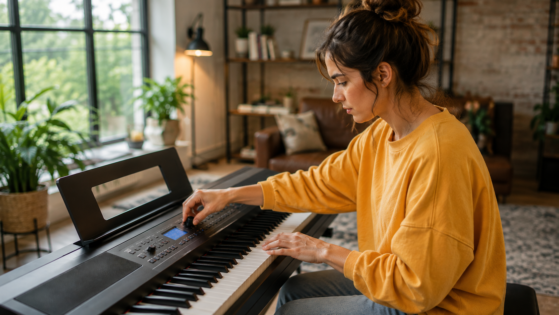
Learning music involves solving problems. A difficult chord transition needs repetition. An uneven rhythm requires slower practice. A complicated passage may need to be divided into smaller sections.
Those challenges can feel frustrating, but they are also where genuine learning happens.
When technology automatically fills gaps, provides accompaniment, simplifies chords, or handles complex musical patterns, beginners may have fewer opportunities to work through those difficulties themselves. Consequently, they can become less confident when faced with situations where the automatic assistance is unavailable.
Independent problem-solving is an important part of becoming a musician. The more comfortable a player becomes with identifying and correcting mistakes, the more adaptable they become.
Does That Mean Beginners Should Avoid Auto Feature?
Not at all.
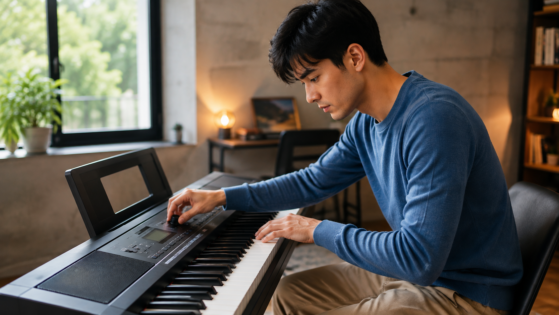
Auto features can be fantastic learning and creative tools when they are used thoughtfully. A teacher might introduce accompaniment to demonstrate song structure or help a student understand how chords work together. Rhythm patterns can make repetitive exercises more engaging, while harmonization features can encourage experimentation.
The key is balance.
Instead of asking, “Should I use this feature?”, beginners should ask, “Can I still perform this without the feature?”
If the answer is yes, the technology is probably supporting the musician. If switching it off causes the entire performance to fall apart, that may be a sign that more time should be spent developing the underlying skill.
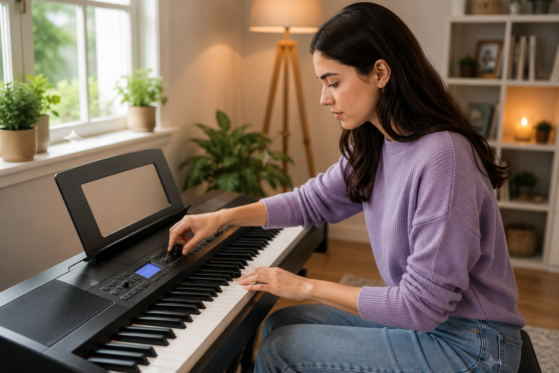
A Better Way to Practise With Auto Feature
A balanced practice routine does not require abandoning technology. Instead, it involves using automatic functions at the right stage of the learning process.
Start by learning the basic skill without assistance. Practise the chords, melody, rhythm, or technique until it becomes reasonably comfortable. After that, introduce the auto feature and explore how it changes the musical result.
For example, a student could practise a chord progression without accompaniment first. Once the changes are comfortable, adding a simple rhythm can make the exercise more engaging. Later, experimenting with different accompaniment styles can introduce ideas about arrangement and musical interpretation.
Another useful habit is to regularly switch between assisted and unassisted playing. One practice session might include automatic accompaniment, while another could focus entirely on chords, scales, rhythm, and melody.
This approach allows technology to remain enjoyable without allowing it to become a dependency.
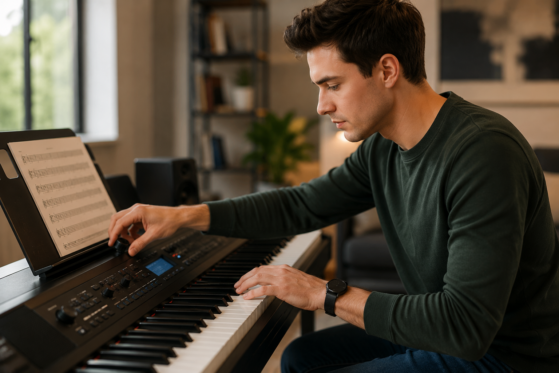
Technology Should Enhance Musicianship
Digital instruments are incredibly powerful. They can provide rhythms, harmonies, effects, sounds, and arrangements that would once have required several musicians and a considerable amount of equipment.
For beginners, these capabilities can make music more accessible and enjoyable. They can encourage experimentation, creativity, and even songwriting. More importantly, they can help students discover the kind of music they enjoy creating.
Yet technology cannot replace the core elements of musicianship. Listening, timing, coordination, technique, musical understanding, expression, and confidence must still come from the player.
The strongest musicians are not necessarily those who use the most features. Instead, they are the ones who understand when to use technology and when to put it aside.
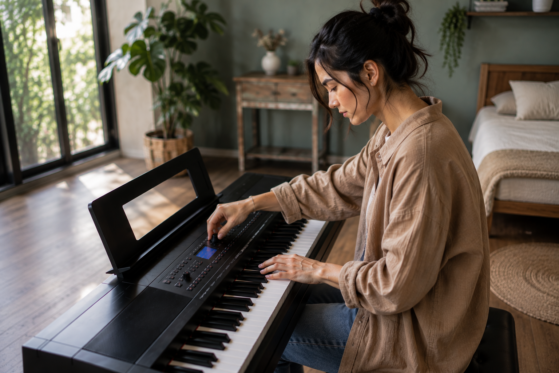
Final Thoughts
There is absolutely nothing wrong with pressing a button and enjoying a fantastic accompaniment. Modern instruments are designed to make music more interactive, and beginners should have fun exploring what they can do.
The important thing is to remember that a great sound does not always mean great musicianship.
At The Mystic Keys, our approach to Piano Lessons Online focuses on helping students build genuine musical skills while also making the most of modern technology. Automatic features can be used to explore different styles, understand arrangements, practise musical ideas, and make sessions more enjoyable. At the same time, students are encouraged to switch those features off regularly and discover what they can create through their own technique, timing, listening, and musical understanding.
Ultimately, learning piano is not simply about making the keyboard sound impressive. It is about developing the confidence and skills to express yourself through music.
The real goal is to become the musician who can make the music come alive—even when the automatic features are turned off.
For more information and exciting resources about learning music, visit our website at The Mystic Keys. For more music content and exciting offers follow us on
Facebook, Instagram, YouTube, LinkedIn, Twitter, Pinterest, and Threads.