Keyboard Maintenance Tips | Keep Your Instrument in Top Shape
Keyboard maintenance tips are essential for keeping your instrument in excellent condition and ensuring long-lasting performance. Keyboards are versatile instruments that open the door to countless musical possibilities, from classical piano pieces to modern synthesizer sounds. Whether you own a digital piano, synthesizer, or MIDI keyboard, proper maintenance helps improve longevity, sound quality, and overall playing experience. In this comprehensive guide, we’ll share practical keyboard maintenance tips, including cleaning, protection, software updates, and professional servicing.
1. Keep Your Keyboard Clean
A clean keyboard not only looks great but also ensures smooth operation. Dust, spills, and fingerprints can accumulate over time, potentially damaging the keys or internal circuits.
Step-by-Step Cleaning Tips:
Daily Wipe-Down: Use a soft microfiber cloth to remove fingerprints and surface dust. Avoid paper towels, which can scratch the keys.
Spot Cleaning: For sticky or oily residues, use a slightly damp cloth with mild soap and water. Never pour water directly on the keyboard.
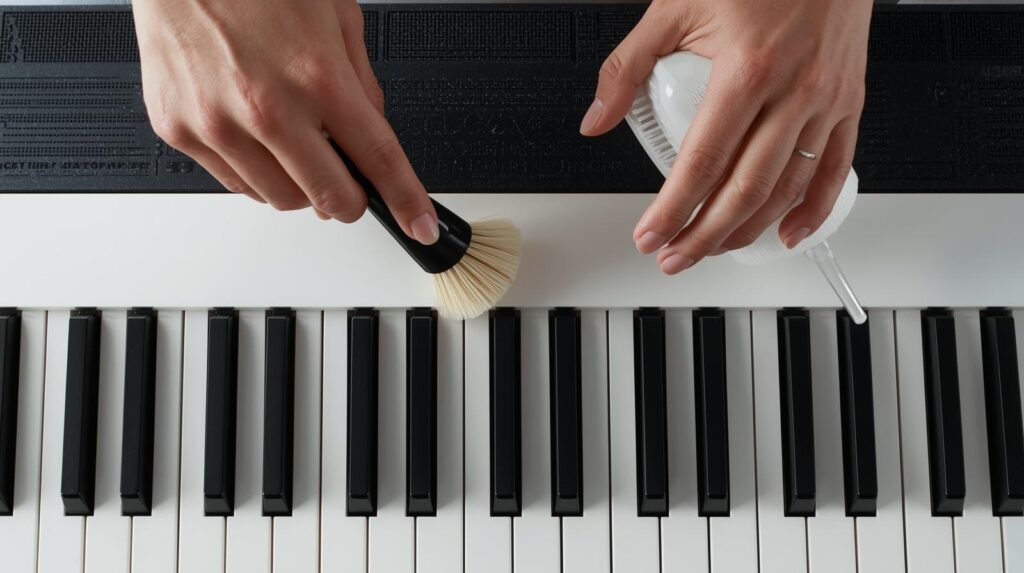
Between Keys: Use a soft brush or compressed air to clean spaces between keys. This prevents dust from interfering with key movement.
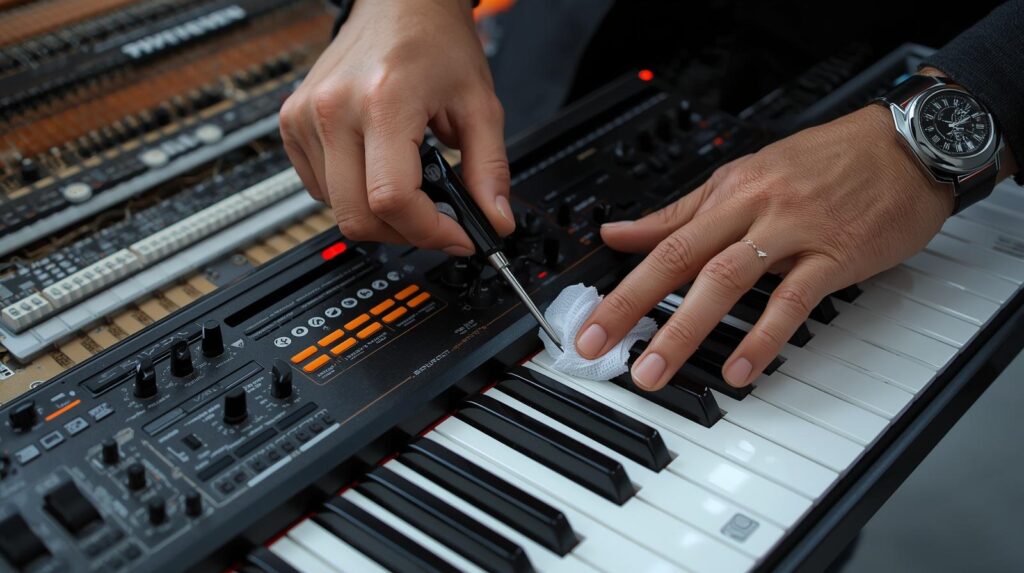
Control Knobs & Buttons: For synthesizers, gently wipe knobs and sliders. Ensure no moisture enters the internal electronics.
Pro Tip: Regular cleaning prevents long-term damage and keeps your keyboard feeling responsive.
2. Protect Your Keyboard from Spills and Moisture
Liquid damage is one of the most common causes of keyboard malfunction. Protecting your instrument from spills and humidity is crucial.
Preventive Measures:
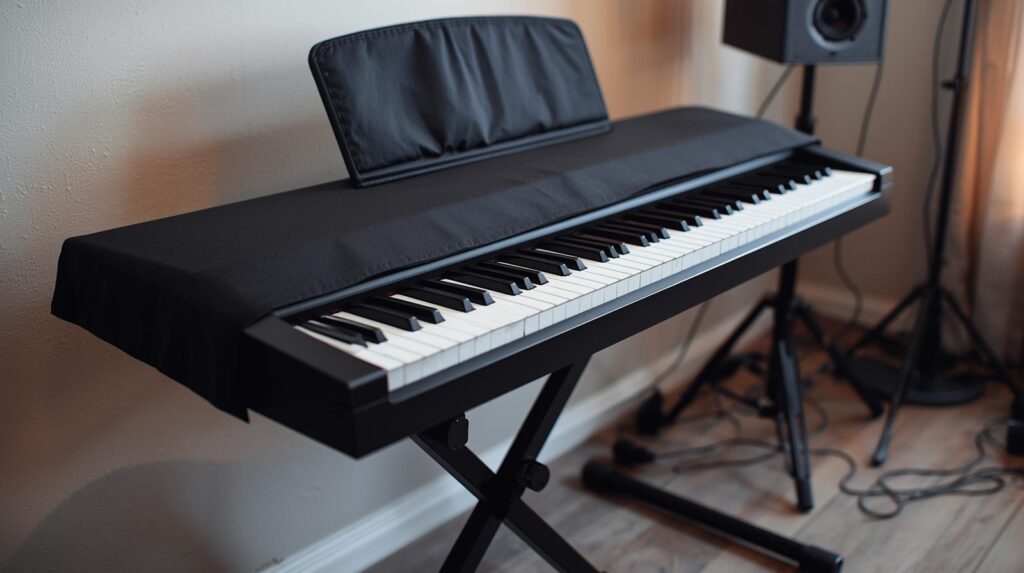
Cover Your Keyboard: Always use a dust cover or cloth when the keyboard is not in use.
Avoid Beverages Nearby: Keep drinks or food away from the playing area.
Humidity Control: Store your keyboard in a low-humidity environment. Excess moisture can warp keys, corrode circuits, or affect sound quality.
3. Maintain Proper Temperature and Humidity
Extreme temperatures and humidity can affect both digital and acoustic keyboards. Sudden changes may lead to warped keys or degraded electronics.
Ideal Conditions:
Temperature: 18–24°C (65–75°F)
Humidity: 40–50%
Placement: Avoid direct sunlight, heaters, or air conditioners. Do not place your keyboard near windows with temperature fluctuations.
Extra Tip: Using a small room humidifier or dehumidifier helps maintain stable humidity for instruments stored in regions with extreme weather conditions.
4. Check and Maintain Power Supply
A stable power supply ensures consistent performance and prevents electrical damage.
Power Maintenance Tips:
Use Original Adapter: Always use the manufacturer-provided power adapter. Third-party adapters may not deliver the correct voltage.
Avoid Frequent Plugging: Unplugging too often can stress circuits.
Battery Care: For keyboards with battery options, replace old batteries before leakage occurs.
Troubleshooting Tip: If your keyboard flickers or produces inconsistent sound, check the power source and cables first before assuming internal damage.
5. Regular Software and Firmware Updates
Modern keyboards, digital pianos, and synthesizers often rely on software for sound engines, effects, and functions.
Why Updates Are Important:
Fix bugs and glitches
Improve sound quality and functionality
Enhance stability and new features
How to Update Safely:
Check the manufacturer’s website for firmware/software updates.
Download the update to your computer or USB as instructed.
Follow step-by-step instructions carefully to prevent data corruption.
6. Key Sensitivity and Action Maintenance
For weighted and semi-weighted keyboards, key action and sensitivity are crucial for a natural playing experience.
Maintenance Tips:
Avoid excessive force when pressing keys.
If keys feel sticky, uneven, or unresponsive, consult a professional technician.
Regular playing ensures key mechanics remain smooth and responsive.
Pro Tip: Occasionally playing scales, chords, and exercises keeps key springs and hammers active and prevents stiffness.
7. Store Your Keyboard Properly
Proper storage protects your keyboard from physical damage, dust, and environmental hazards.
Use a sturdy stand that supports the keyboard evenly.
Cover your instrument with a protective cloth or dust cover.
Avoid stacking objects on top, as this can warp the keys or damage buttons.
Extra Tip: If you travel with your keyboard, use a padded carrying case to prevent damage during transport.
8. Professional Servicing
Even with careful home maintenance, professional servicing is crucial for long-term performance.
Recommended Servicing:
Frequency: Every 1–2 years for digital pianos; more often for heavily used instruments.
Even with proper care, issues may arise. Here’s a quick guide:
Sticky or unresponsive keys: Clean key surfaces, check for debris, or schedule professional servicing.
No sound or distorted sound: Verify power supply, check cables, reset settings.
Firmware or software glitches: Ensure updates are installed correctly, restart keyboard, and consult manufacturer support.
Maintaining your keyboard goes beyond simple cleaning. It’s about protecting your investment, ensuring optimal performance, and extending the life of your instrument. By following these expert tips—regular cleaning, proper storage, software updates, and professional servicing—you can enjoy your digital piano or synthesizer for years with consistent, high-quality sound.
With routine care and preventive maintenance, your keyboard will remain responsive, reliable, and ready for any musical adventure. If you are learning piano lessons online, keeping your keyboard well-maintained is especially important, as a properly functioning instrument helps you practice effectively and get the best results from your lessons.
Intersted in learning music with us? Register now
For more information and exciting resources about learning music, visit our website at The Mystic Keys. For more music content and exciting offers follow us on